
First, don’t panic, you have three ways in
We see this exact scenario every single week across Petaling Jaya. Finding yourself in a smart lock dead battery locked out situation is incredibly stressful. The good news is that modern systems are built for this exact emergency.
Our team always reminds clients that a dead power source does not mean you have lost access to your home.
You simply need to use one of the built-in backup methods. These quick fixes require zero technical skill.
We walk every client through these fail-safes during a standard digital smart locks handover. Here is the quick refresher on how to get back inside right now.
- External power jumpstart (9V battery or USB-C connection)
- Mechanical override key (included with every reputable model)
- Professional locksmith service (if the first two fail)
1. The 9V emergency power terminal
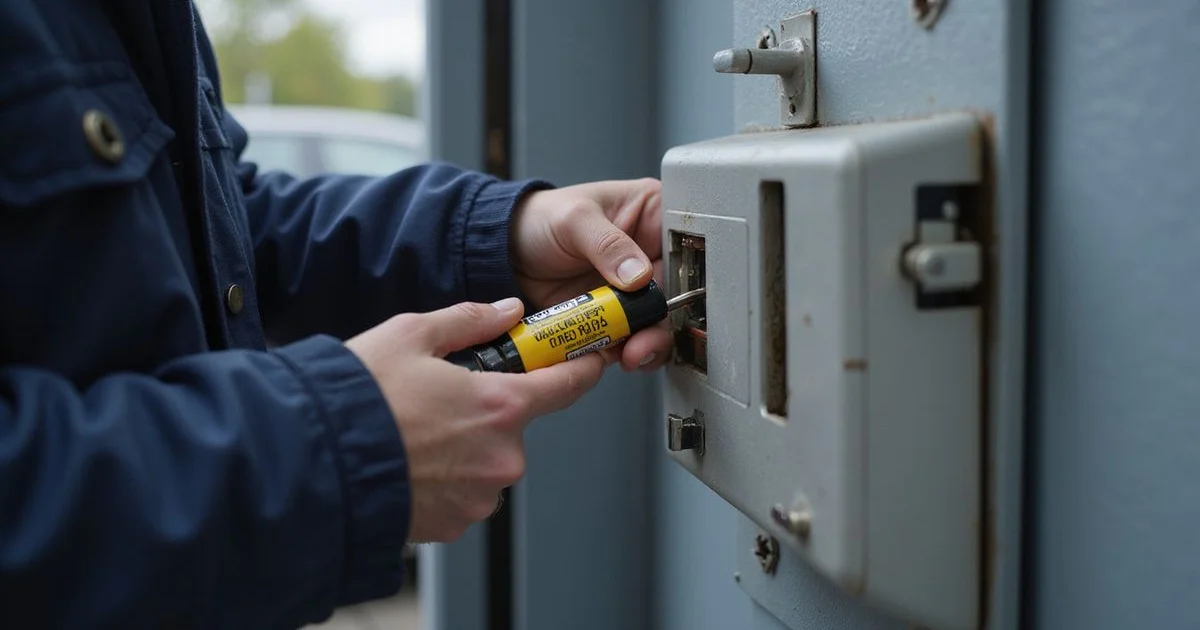
Our team recommends this as the first and easiest step. If you are facing a digital lock battery dead scenario, you can temporarily jumpstart most major brands using external metal contacts. These contacts sit quietly on the underside or front of the lock body.
We often see them left unmarked, or they might feature a tiny battery icon. A quick trip to a nearby 24-hour KK Super Mart or 7-Eleven provides an instant fix. You just need a few seconds of contact to activate the keypad.
- Grab a standard 9V battery.
- Press the positive and negative terminals firmly against the lock contacts.
- Wait about 3 to 5 seconds for the smart lock emergency power to boot up the system.
- Enter your PIN code or scan your fingerprint while maintaining steady pressure.
- Push the door open and immediately remove the 9V battery.
The Modern Alternative: USB-C Power Banks
We are seeing a major shift in newer hardware released over the last two years. Brands like Xiaomi, Aqara, and the latest Philips models now use a Type-C port instead of 9V contacts. You just plug a standard power bank into the hidden port at the bottom of the casing.
Our technicians love this feature because almost everyone carries a smartphone charger today. This smart lock emergency power method boots up the electronics in seconds. It grants immediate access without a trip to the shop.
2. The mechanical override key
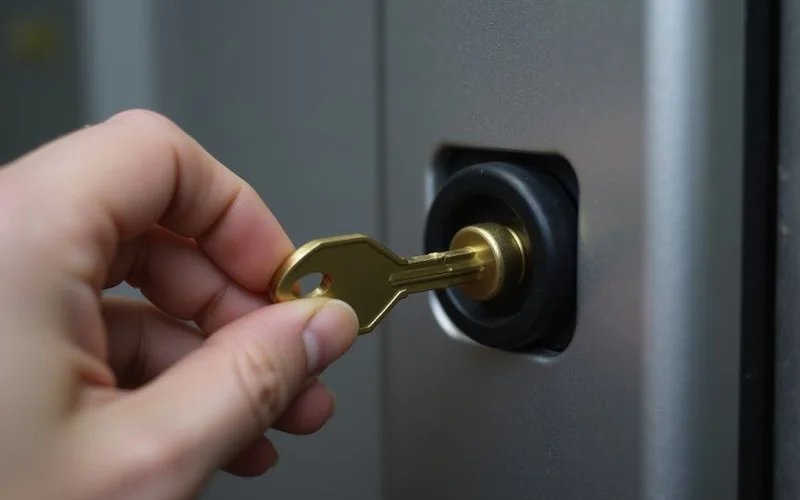
We consider the physical key your ultimate fail-safe. Every reliable smart unit features a hidden keyhole for a traditional metal backup key. This mechanical override bypasses the dead electronics entirely.
Our installers usually show clients the small rectangular cover panel on the front, side, or bottom of the unit. The most common reason people stay locked out is simply forgetting where they stored this key. Keeping it in a secure, accessible location saves you a massive headache.
- Locate the small cover panel and pop it off with your fingernail.
- Insert the flat mechanical override key provided during installation.
- Turn the key exactly as you would with a standard traditional deadbolt.
To make this backup method work, you must store the key outside your home. Here are the most practical hiding spots for local residents.
| Storage Location | Accessibility Rating | Security Level |
|---|---|---|
| Vehicle Glovebox | High (If parked at home) | Medium |
| Office Desk Drawer | Medium (Requires trip to work) | High |
| Trusted Neighbour | High (Immediate access) | Medium |
| Parents’ House | Low (Requires travel time) | High |
3. Call a locksmith
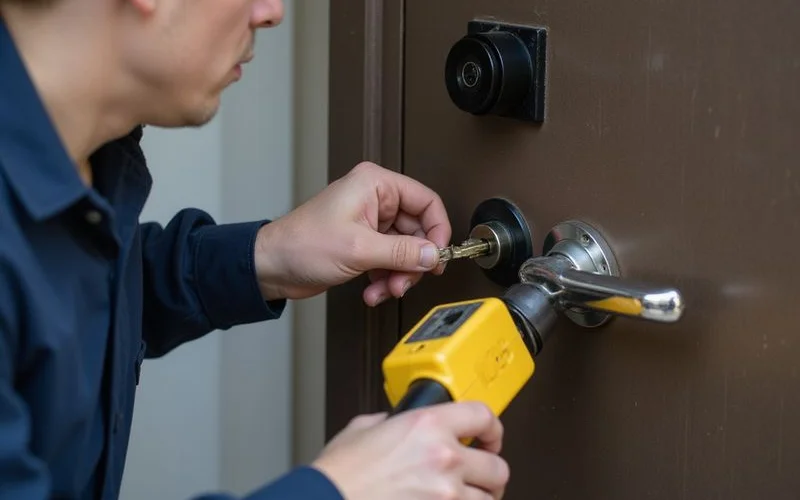
We can step in quickly when the DIY methods fail. Occasionally, external battery contacts oxidise on older budget units and fail to transfer power. If you lack the override key, professional help becomes your only remaining option.
Our technicians specialise in non-destructive entry for dead digital units across Petaling Jaya. This means you will not need to buy a brand new system after the door opens. You get to keep your existing hardware and security setup.
- Specialised bypass tools designed specifically for advanced cylinders.
- Fresh, high-quality alkaline replacement batteries ready to install.
- A quick briefing on your specific model’s backup features for next time.
How to prevent this happening again
We want to help you avoid this stressful situation entirely in the future. You can permanently stop lockouts by adopting a few simple maintenance habits. The type of power source you choose makes a massive difference in daily reliability.
Our crew strictly recommends using only premium alkaline batteries like Energizer or Duracell. Using rechargeable lithium-ion or carbon-zinc batteries often causes sudden voltage drops. These drops easily confuse the internal warning sensors.
- Replace batteries at the 20% warning. Most hardware flashes a red LED or beeps continuously for weeks before dying completely.
- Never mix old and new batteries. This unequal power drain increases the risk of acid leaks destroying the sensitive circuit board.
- Keep backup power in your car. A cheap 9V battery or USB-C cable solves an emergency at 3 AM instantly.
- Store the physical key securely. Keep it in your wallet, office desk, or with a trusted neighbour.
We brief every single client on these backup protocols during the initial setup. If another company installed your hardware and you need help finding the emergency terminals, just WhatsApp us a clear photo. You will receive immediate guidance on exactly what to look for.
Our experts can usually identify the exact model and point you in the right direction.
For deeper insights on system reliability, read our guide exploring are digital smart locks safe and reliable. If you are tired of dealing with an outdated model, check out the best smart locks for Malaysian homes to find a better replacement today.